REALPRO Innovations, Inc.

  • Home
  • About REALPRO
    • Products
      • Original REALPRO Hand-held Computer
      • REALPRO Plus Hand-held Computer
      • REALPRO for Windows
    • Advantages
      • Agent Advantage
      • Company Advantages
      • Loan Officer Advantages
    • Programs
      • Financing
      • Buyer’s Costs
      • Seller’s Net
      • Amortization
      • Prequalification
      • Buying vs. Renting
      • Refinancing
  • Contact us

June 5, 2014 By REALPRO Innovations, Inc.

Did you know you could turn your mobile device into a full computer?

Have you ever been out with family, on vacation or with clients and wish you could retrieve something off your desktop or laptop computer? I know I have. I can do some things only on my desktop that I do not have access to on my laptop, tablet or phone.

One of the programs you can run this way is your REALPRO for Windows program. Rather than have a different version of the program for every different device, I suggest you run it remotely. Learning to do this will also allow you to do the same for other programs you frequently use on your desktop.

This also allows more than one person to access the REALPRO for Windows program without needing to have possession of the key – great for real estate teams.

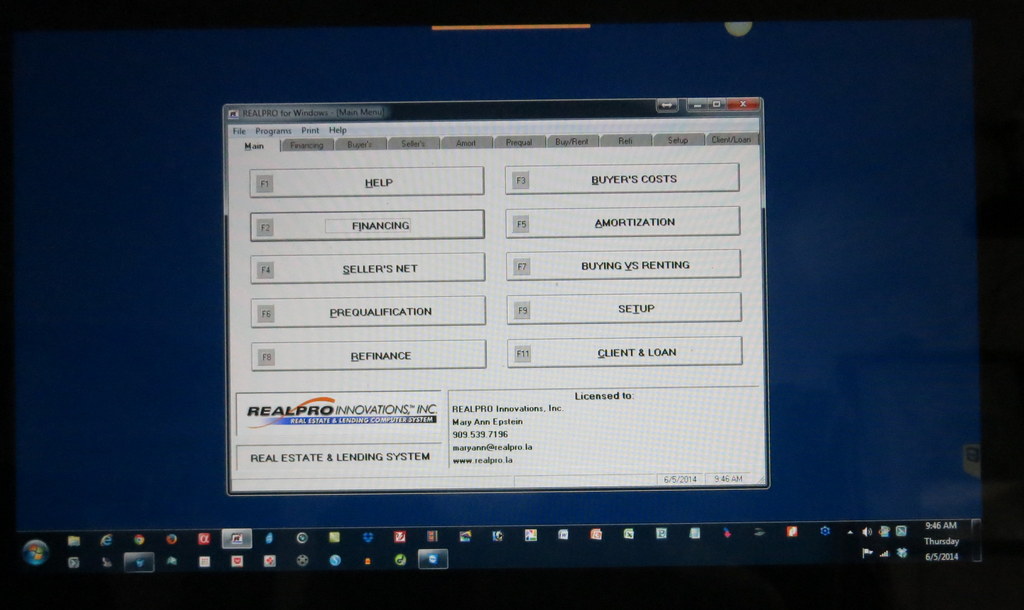
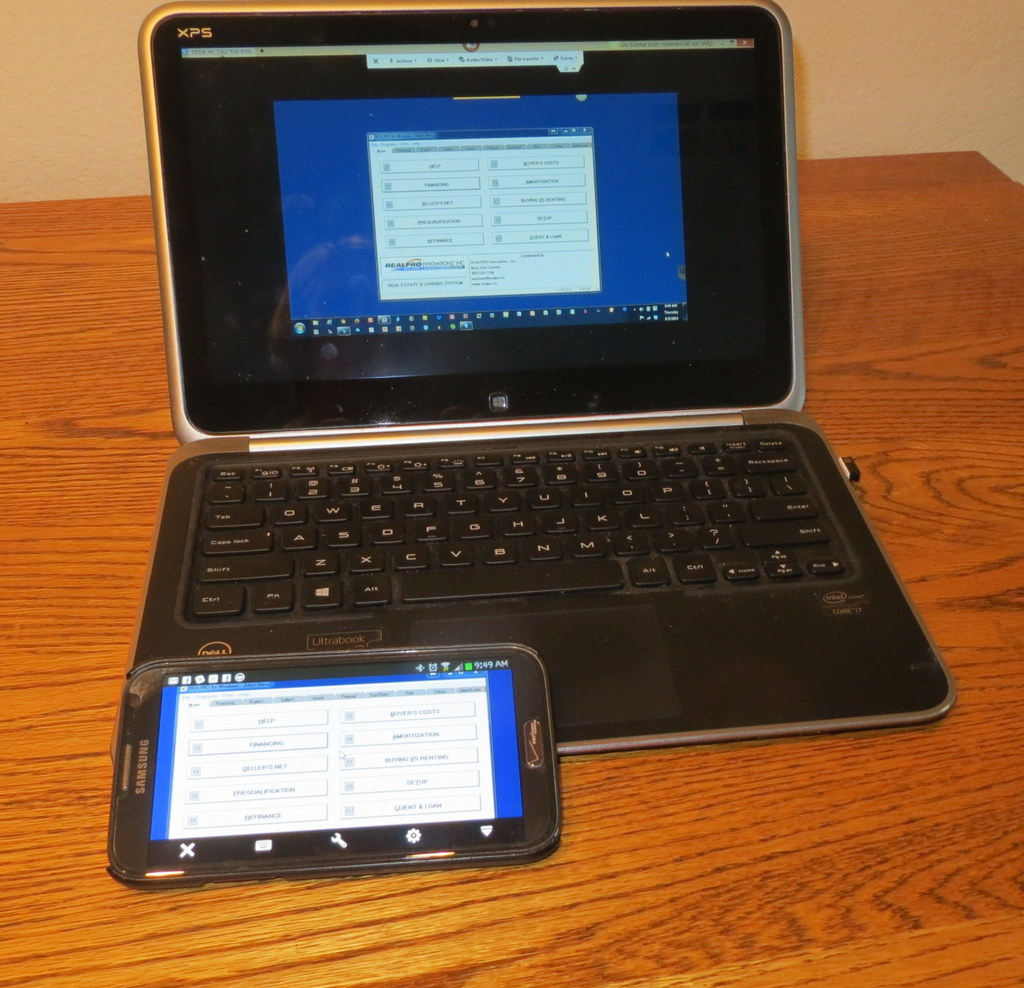
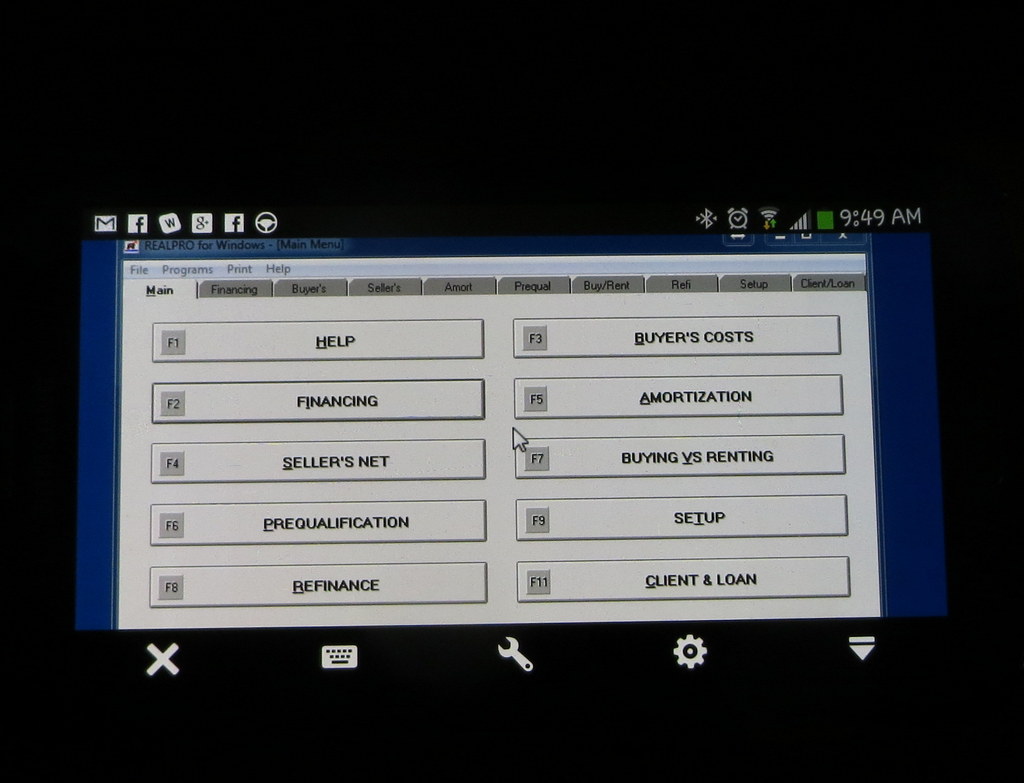
Here are some examples on my laptop and phone running my desktop computer:

REALPRO for Windows on a Laptop and on a Phone
REALPRO for Windows on a Laptop

REALPRO for Windows on a Phone

There are many options to accomplish this – some free and some pay.

GoToMyPC TeamViewer Splashtop
LogMeIn RemotePC

If you have any questions, don’t hesitate to call me – 909.539.7196

Filed Under: REALPRO for Windows, Tech Support, Tutorials

  • Home
  • About REALPRO
  • Contact us

Copyright © 2026